Allocation rules and runs
Some costs belong to the whole business, not to one branch: the accountant, a marketing campaign, a central warehouse, the head office team. Allocation rules say how to divide them, and each month's allocation run applies them.
Floor area
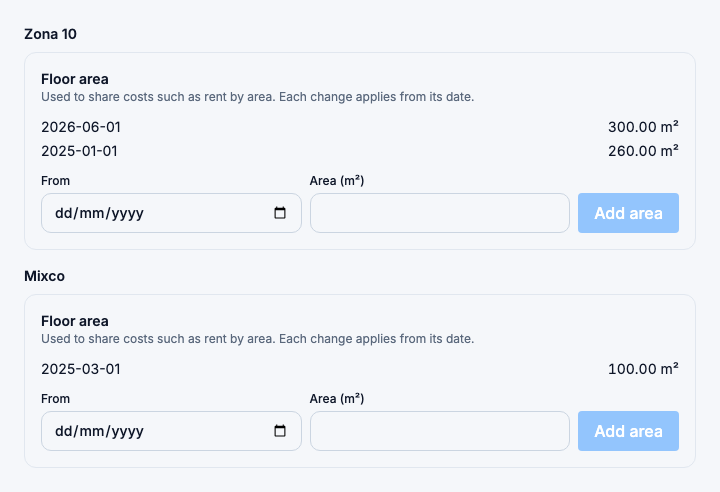
To divide a cost by area, record each branch's Floor area in the branch's settings, under the branch form. Each area applies from its date; to change it, add a new one from a later date.
Rules
Restaurant → Allocation rules. Open Allocation rules
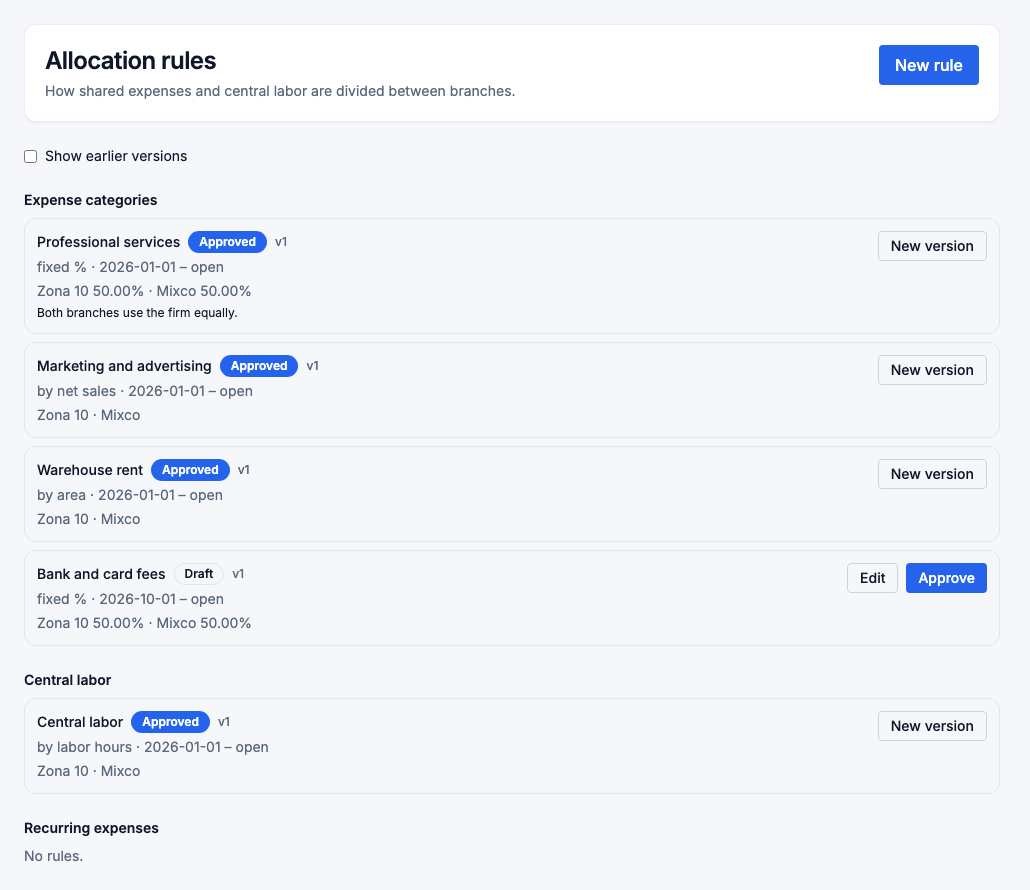
A rule Applies to one of three things:
- an expense category,
- central labor (staff costed to no branch), or
- a recurring expense, which then wins over its category's rule.
Its Method divides the cost between the branches you choose:
| Method | How it divides |
|---|---|
| Direct to one branch | All of it to one branch. |
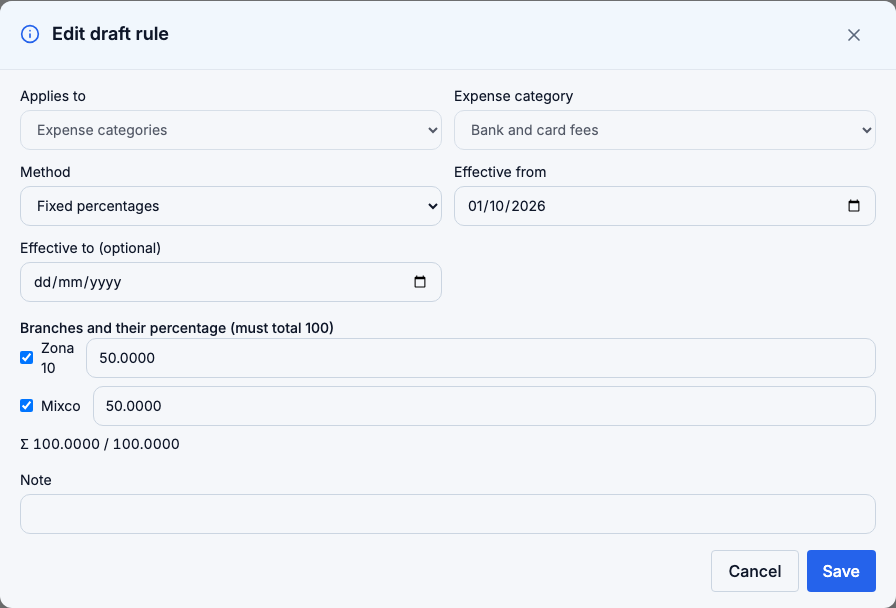
| Fixed percentages | Your shares, which must add up to exactly 100 %. |
| By net sales | In proportion to each branch's net sales in the month. |
| By labor hours | In proportion to approved worked hours in the month. |
| By floor area | In proportion to each branch's area on the month's first day. |
| Custom weights | Any positive weights, turned into percentages. |
A new rule is a draft until it is Approved; only approved rules apply. Two approved rules can't cover the same category on the same dates. An approved rule can't be edited: choose New version from a later date. Approving the new version ends the previous one the day before. Show earlier versions lists every version.
Rules need access to every branch, because they divide costs between branches.
Runs
Restaurant → Allocation runs. Open Allocation runs
Pick a Month and choose Compute. The run divides that month's share of every approved shared expense, and that month's central labor, by the rules in force. Each line shows the source, the method, the driver values (sales, hours or m²) and the amount for each branch. The amounts always add up exactly to the cost.
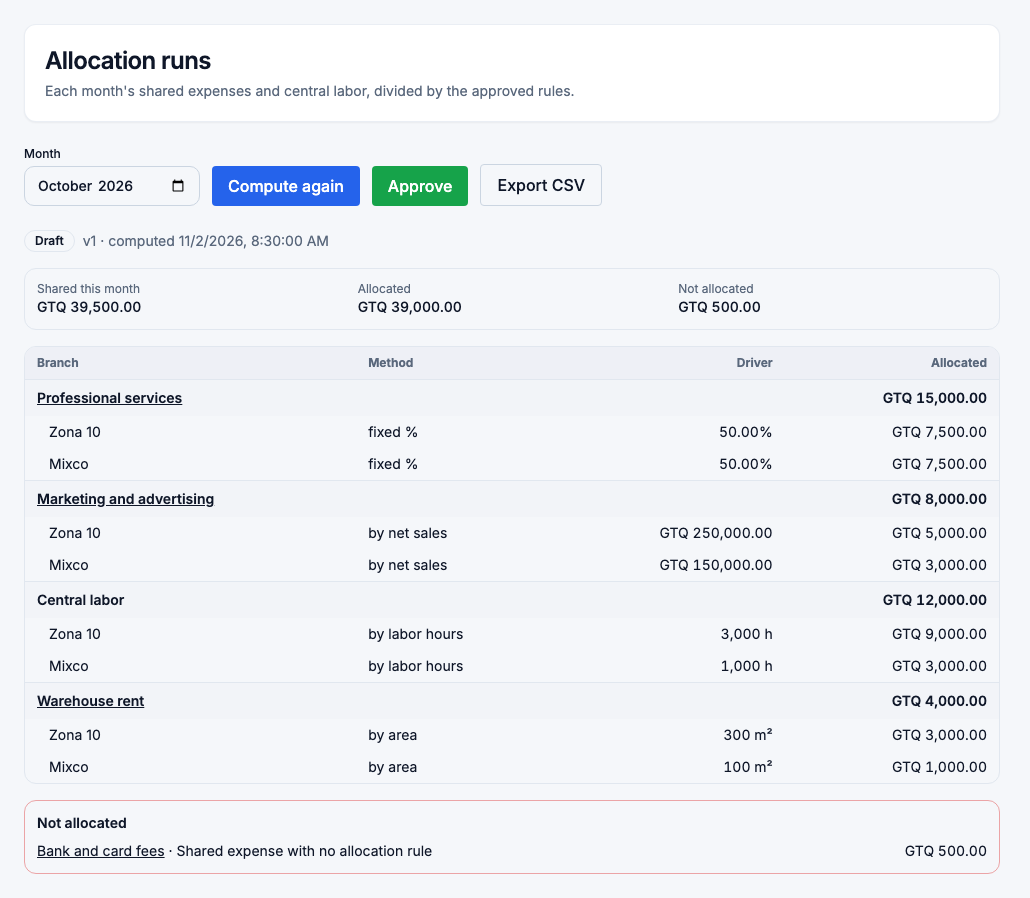
- An expense with no rule, or whose driver is zero or unknown, stays in Not allocated with the reason. It isn't spread evenly. Branch profitability marks every branch incomplete until it is resolved.
- A fixed share to a branch that is no longer active is kept, with a warning.
- Compute again replaces a draft. Approve freezes it.
When something changes after a run is approved, such as a new shared expense or a new rule version, the run says Inputs changed since this run was computed and lists what. Its figures don't change. Choose Recompute, give a reason, and approve the new version; it replaces the previous one, which is kept.
Export CSV downloads a run's lines. Store managers see only their branches' lines.